

Hogarth Worldwide’s Gramercy Park Studios produces some truly eye-catching work for names like Google, Goodfella’s, Lucozade and Volvo. We caught up with Alex Hing, Studio Operations Manager, to discuss how ftrack fits into this multi-site project work for the world’s biggest brands.
Please tell us a little about Gramercy Park Studios!
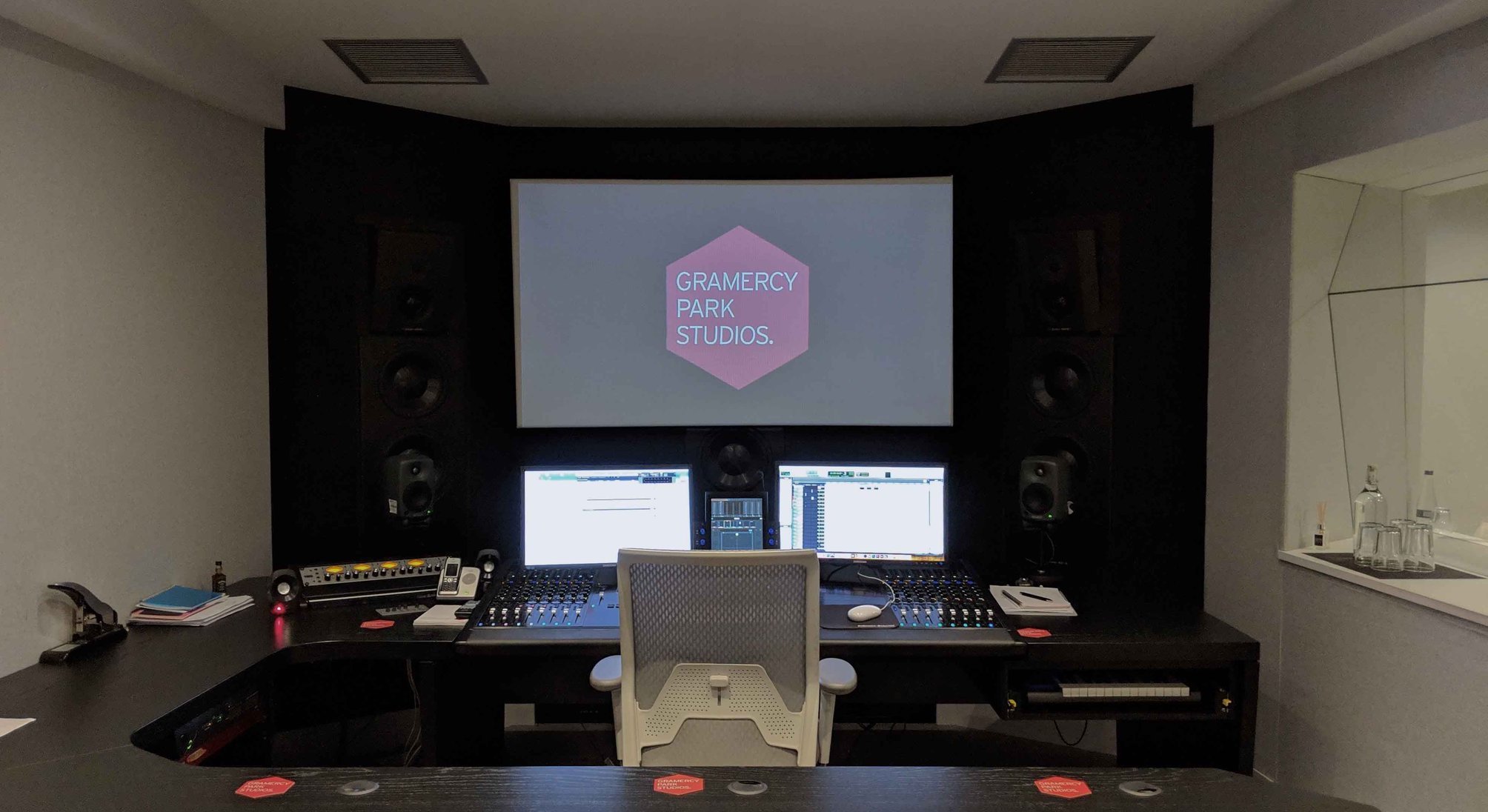
Gramercy Park Studios is the high-end video production unit of Hogarth Worldwide – one of the world’s leading creative production companies.
At Gramercy Park Studios we specialize in high-end post-production projects that the Hogarth content creation team is instrumental in coordinating.
We have two core studios. Gramercy Park Studios is the New York sister studio to Great Pultney Street Studio in London. Both focus on editorial and post-production. Specifically, that’s offline and online edit for TV broadcast and social media formats, VFX and CGI, motion graphics, sound design, and audio mixing.
We have two additional studios offshore in Mexico City and Sao Paulo, which work closely with New York on various video production projects.

Alex Hing
Studio Operations Manager, Gramercy Park Studios
“ftrack’s centralized and transparent scheduling system has helped us tremendously.”
What is your day to day at Gramercy Park Studios?
I fulfill the role of Studio Operations Manager. That means I supervise five assistant editors and a data Manager; I support the senior editorial staff; I’m first-tier tech support to the studio; I manage archiving-restore and project data management and closing jobs; I facilitate the trafficking coordinator to manage resources, especially when it comes to client supervised sessions and having rooms available…and more besides.
I am also the point person for our studios in Mexico City and Sao Paulo, which use ftrack in conjunction with the New York studio.
How does ftrack help to align these three studios on projects?
We recently worked on a campaign for the financial institution EY. This involved all three of the extended facilities based in New York, Mexico City, and Sao Paulo.
The biggest challenge we have historically faced in the studio is knowing the state of projects, who is assigned to them, and when they should be happening.
Thankfully, Mexico City and Sao Paulo share the same ftrack site as New York has. We were able to isolate the EY project within ftrack by assigning teams across the three studios to the project.
We could then break up the project into its respective deliverables and then furthermore into each required task.

Work in progress files were posted via ftrack for internal review and then following that were sent to external parties. The review functionality is great as all notes are associated and maintained within the file under discussion. It creates continuity where status, notes, and feedback move the project forward internally (producers, account managers) and externally (agencies and clients).
ftrack’s centralized and transparent scheduling system has helped us tremendously in tracking the changes and history of projects and deliverables such as this.
What were you using before ftrack offered this solution?
In the very early days of the studio, we used email-based correspondence and email distribution lists to coordinate projects, alongside a very general calendar. That was only accessed by the traffic coordinator to visualize resource availability. It goes without saying that ftrack is a much more efficient solution.
What attracted you to ftrack at the time?
ftrack has a neat and easy-to-navigate interface. Also, its flexibility and API are excellent. Weh ave integrated ftrack with our company’s account management system, which we use to initiate projects. That makes kickoff much easier.
But more than anything, project hand-off/notes have been a real game-changer for Gramercy Park Studios.
They create transparency around the last state and feedback on a task or job. When another operator picks things up they have a solid idea as to which version was last worked on and what needs to be done next. That really keeps things moving at the studio, which is vital on projects with tight deadlines.
To put this into context: when an assistant editor initiates preparation for finishing – color, flame, audio mix and so forth – they can reference the hand-off notes left by an editor. That means they can see the last approved version and its file path. Then, once finishing preparation is complete, the assistant editor can relay their notes accordingly.

Would you recommend ftrack to other studios looking for a project management alternative?
Yes – ftrack has facilitated more accountability in the studio.
ftrack creates a stop-gap process for all jobs to be booked through the system and notifying the traffic coordinator. It creates a centralized talking point where time and resources are visualized (which supplements project management methodologies like morning huddles). It resolves any resource availability, project conflicts, and time-sensitive expectations.
Furthermore, ftrack has a clean, navigable interface, which is not dependent on a local system nor limited by the studio’s technological or network securities.
It’s also easy to get up and go. System configurations are ready to go from purchase. And the ftrack support team is always responsive and accommodating. They’re on hand to further configure the system to the needs of the studio if it’s needed. So yes, I would certainly recommend it!
Want to try ftrack Studio and see how it can optimise your studio’s efficiency?
More from the blog

 Contact us