
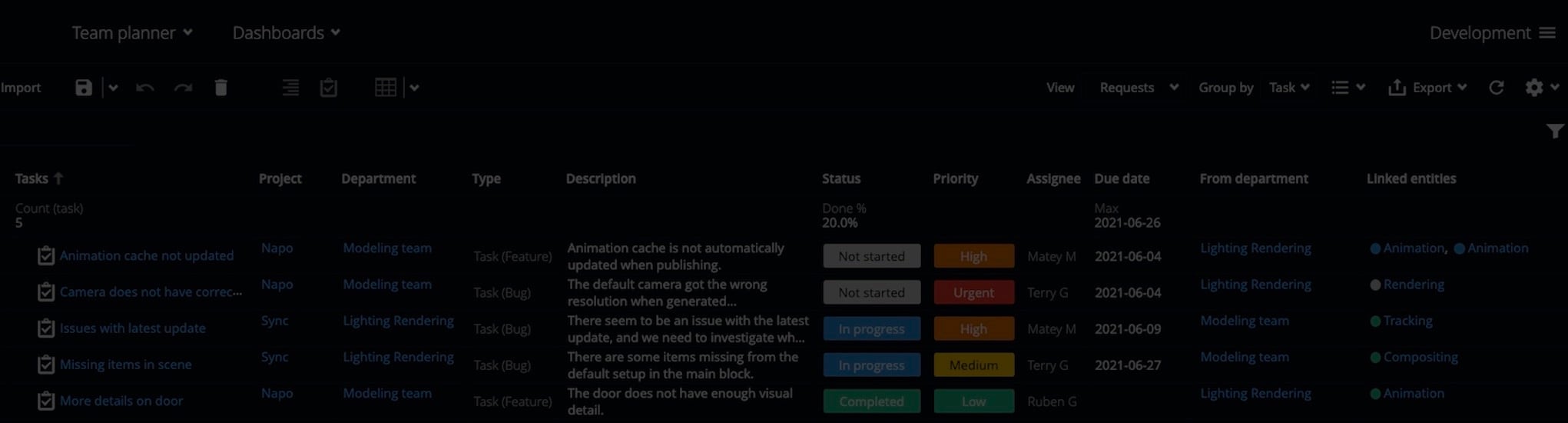
We’re pleased to announce that custom attribute links are coming to ftrack Studio in September 2021. The feature is also rolling out today with API support only, as an experimental feature for cloud-hosted customers.
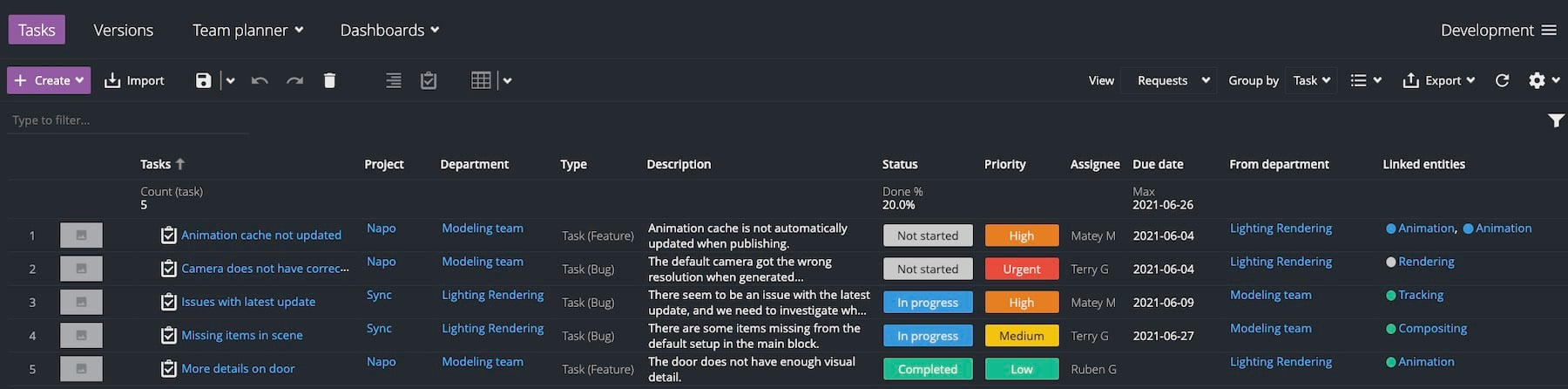
We’re very excited to announce that custom attribute links are coming to ftrack Studio, with full feature availability planned for September 2021. Custom attribute links are an exciting new feature that will endow producers, supervisors, and coordinators with endless possibilities when viewing, managing, and reporting on projects. Scroll down to learn what custom attribute links are and how they will empower new ftrack Studio workflows across your projects.
API support available today (experimental)
We’re rolling out custom attribute links today as an experimental feature for our cloud-hosted customers, as part of our most recent ftrack Studio cloud update. Please note that this experimental version of the feature is currently only supported via the API, so developer help will be required by any producers, supervisors, or coordinators who wish to access and test custom attribute links in their projects. Be sure to let us know if you need help or have any feedback, as we’ll use your commentary to improve and develop the feature ahead of its final release.
The fully-fledged version of customer attributes links featuring UI and editing support will be rolled out in stages, with the final version available this September 2021. Cloud-hosted ftrack Studio instances will receive these updates automatically, while on-prem customers will receive the full feature update in ftrack Studio 4.8. We suggest that on-premise customers update to ftrack Studio 4.7 when it arrives, so the update to ftrack Studio 4.8 in September—along with custom attribute links—is as quick and seamless.
All about custom attribute links
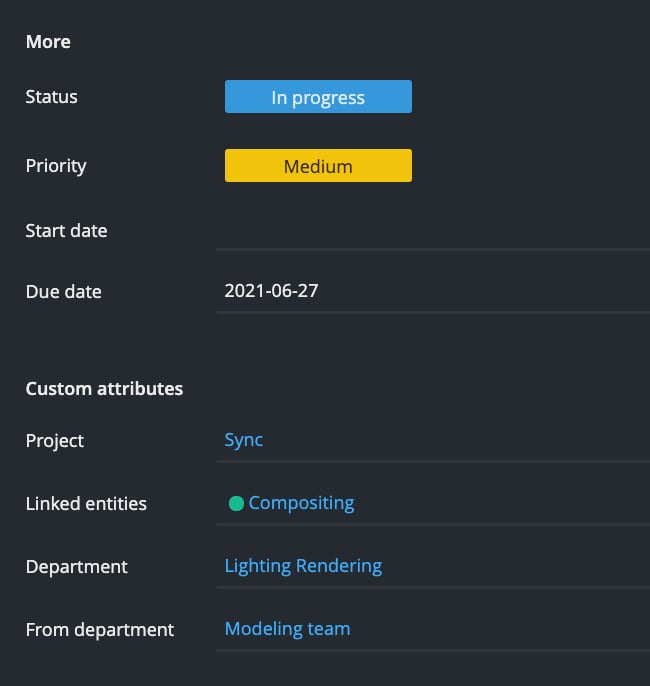
Custom attribute links are a new attribute that will enable users to link ftrack Studio entities in innovative ways.
ftrack Studio has not supported custom entity linking in the past—the platform has limited users to building attributes or customizing using text attributes or metadata. The introduction of this new custom attribute will remove these limitations and open up a wide variety of new use cases and workflows. We have illustrated some example use cases for custom attribute links below.

Let’s say you’re working on multiple projects featuring motion capture across many scenes. With custom attribute links, you could track actors performing motion capture on a particular project, along with detailed information about the actor and the shots in which they appear. You could then use this information on other projects by linking your motion capture actor to other shots in which they also perform. You can then quickly pull up a list of all shots the actor has performed in across all studio projects.

Working on a project with lots of technical camera data can get confusing. However, you could use custom attribute links to simplify things by tracking technical camera information across the entire project. You could then link a specific camera to any shots on which it was used. Once you’ve done this, it’s super easy to pull up information about cameras and the shots you used them on across an entire project.
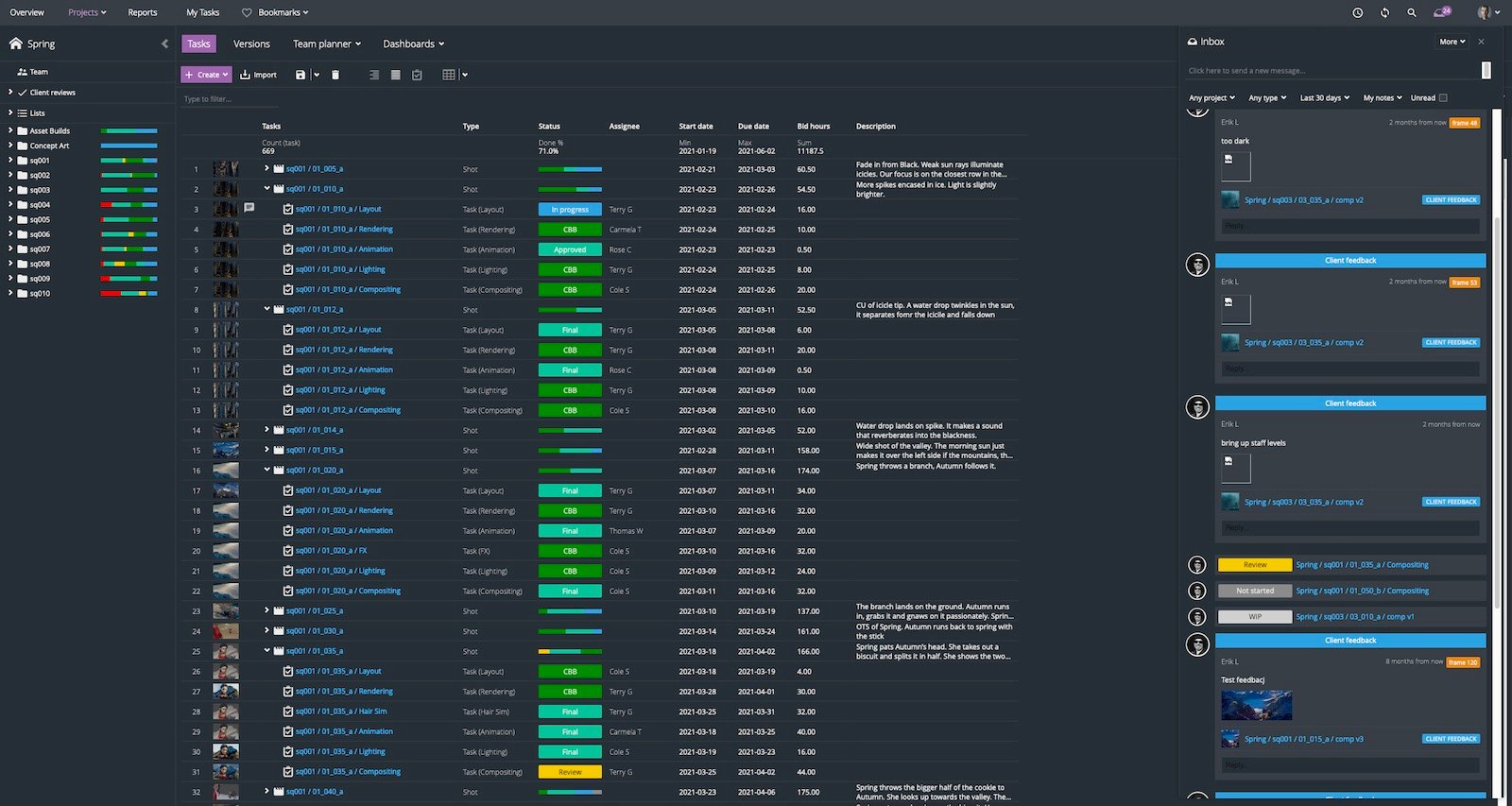
Using custom attribute links, you could track all client deliveries in a single list, link that list to a task, and then assign the list/task to someone to prepare and send over to a client for review. Using this workflow enables you to track tasks related to working items on a list, which can significantly simplify the client delivery process.
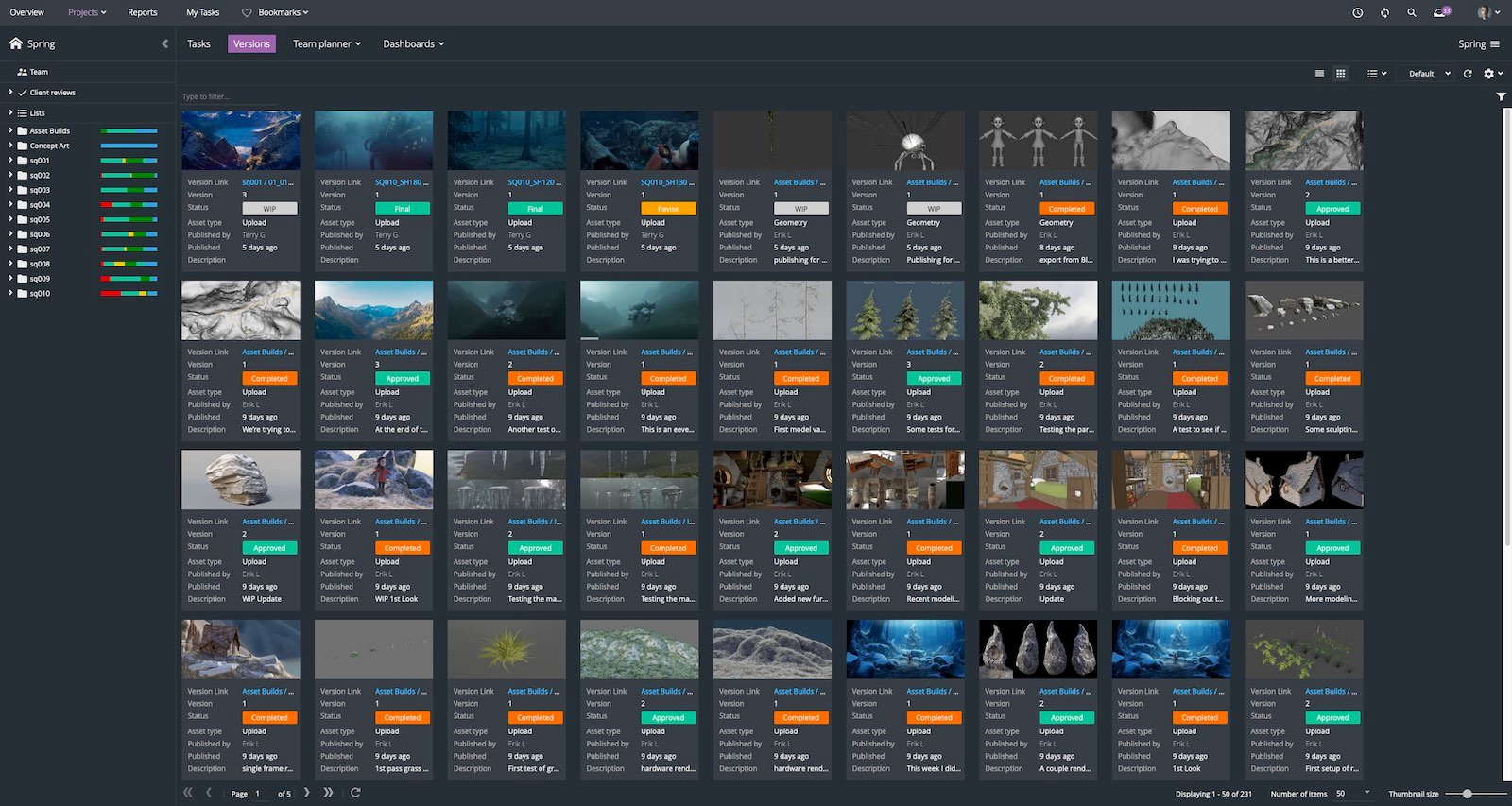
You might find you’re experiencing multiple issues across a project, or pipeline feature requests keep coming through that seem related, but you can’t quite find the correlation. Using custom attribute links in ftrack Studio enables you to track these issues and feature requests and link them to other projects and their associated shots and tasks. Doing so makes it easy to see interrelations between problems or requests on different projects, which will inform you on the best way to improve or build out your pipeline.
You can do a great deal with custom attribute links, and these four examples present just the tip of a very deep iceberg. However, as you explore custom attribute links and their capabilities, please remember the currently available version of the feature is experimental. Get in touch with our support team to note any bugs or to offer feedback regarding how we could improve the feature ahead of its full release in September 2021.
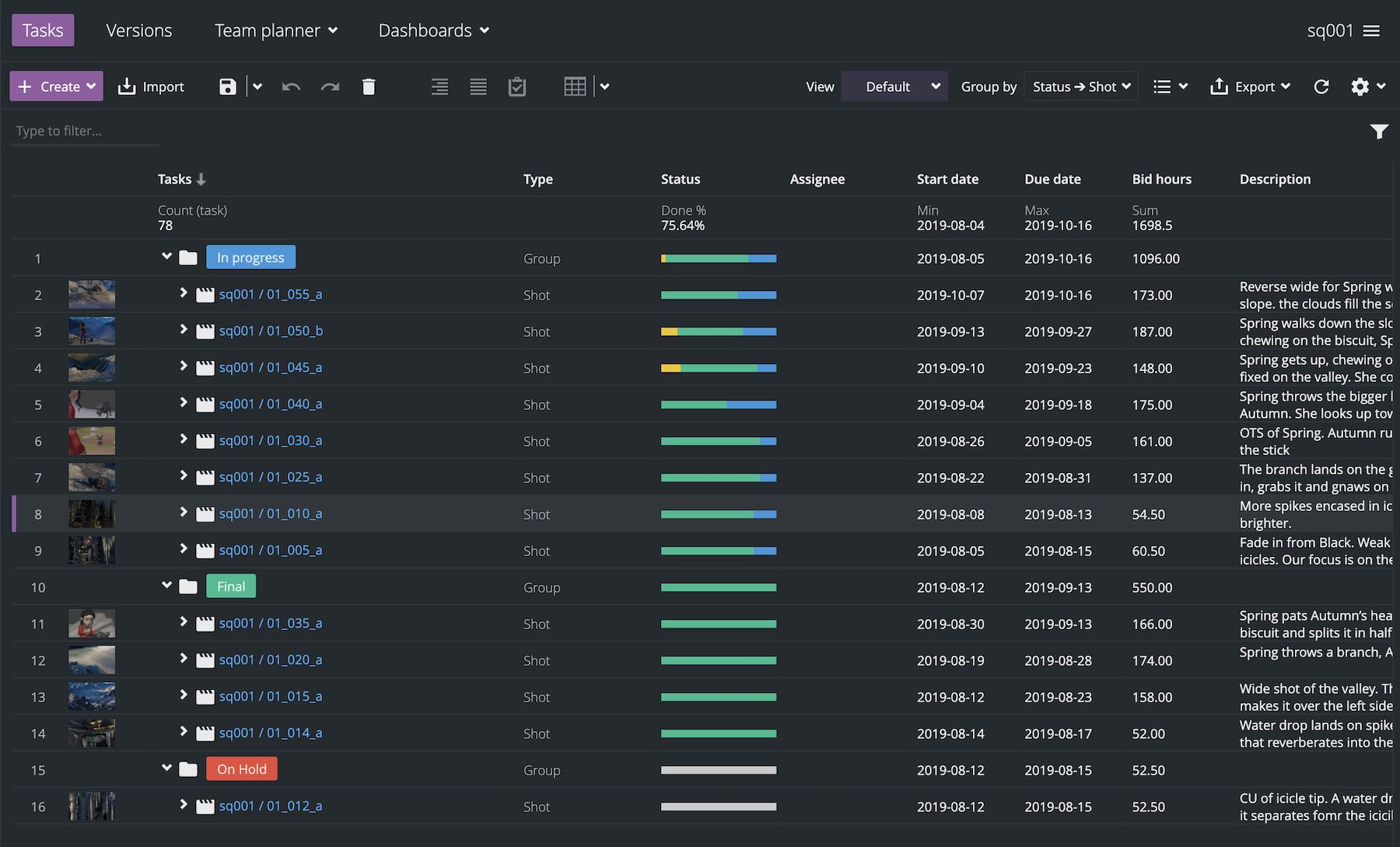
New features available in ftrack Studio cloud
We have made the experimental version of custom attribute links available alongside several other features in our most recent update to cloud-hosted ftrack Studio instances. You can also enjoy the following updates in this release:
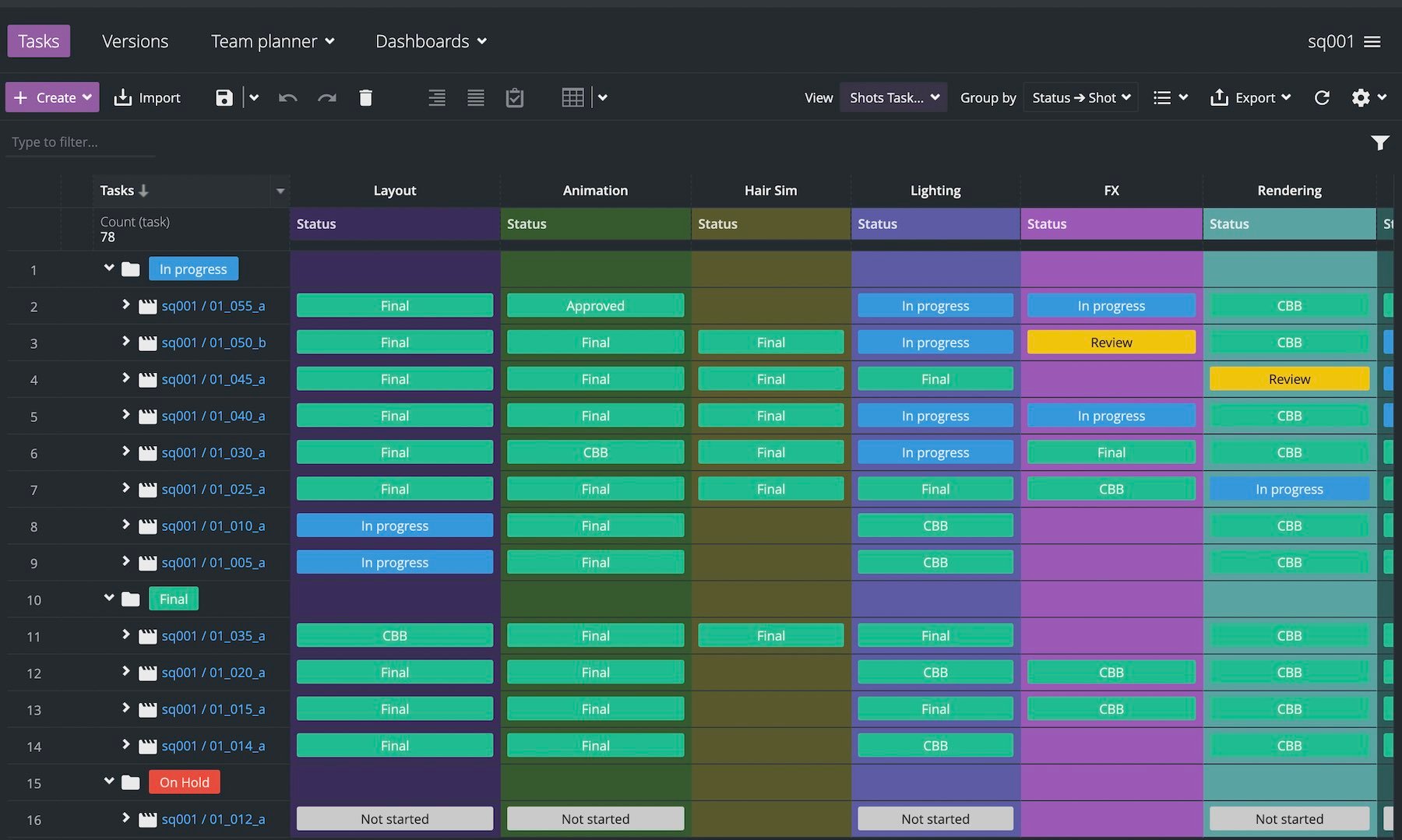
- Group by attributes from any object in the Tasks spreadsheet
- View lists as an attribute in cross-project views in Overview
- Import and update data into ftrack Studio, based on Id
- A new API schema reference
- The ability to customize action button labels
- New notes features in review, including new formatting options and @ mentions
- The ability to update the status of tasks inside a review session
You can see the complete list of new features and updates via What’s new in ftrack Studio.
More to come
Custom attribute links are the first of many features soon to arrive in ftrack Studio, following a significant investment in the ftrack engineering department. We’ve been growing the team and hiring some extremely clever developers, all to make ftrack Studio—and the entire ftrack product portfolio—more intuitive, adaptable, and effective than ever before.
Keep your eye on the ftrack blog and social media channels to learn about more exciting updates as they arrive in the coming weeks. It’s an exciting time for ftrack, and we can’t wait to show you what’s next!
Try ftrack Studio today
Start your free trial of ftrack Studio on the cloud to try out these new features, and more.
More from the blog


 Contact us