We’ve just rolled out new features in ftrack Review! Managing your versions and assets is about to get even easier. Learn about the improvements we’ve made below.

We released ftrack Review in April of this year. Since then, we’ve watched the media review and feedback solution streamline workflows for creatives around the world.

We’ve also been listening to feedback and working internally to improve and refine what ftrack Review can do. We’ve been developing on the platform to ensure that it presents the most straightforward and flexible media review process possible. In the latest update, that means improving how you can manage versions of assets in Review.

Read on to learn about our improvements to the ftrack Review versioning workflow and how it will make your life easier when managing multiple review sessions.

Release highlights for ftrack Review

Creating a new version, or a new asset? Tell ftrack Review when you upload

When you upload a file with the same name as another asset in the upload folder, ftrack Review will ask if you would like to create a new version of the asset or save it as a new asset with a different name. Previously, assets would automatically version up on upload. Now you have the choice!

Easily version up via an asset’s context menu

Quickly version up assets from within the asset itself. Select “Upload new version” from the asset’s context menu, and you’re ready to go.

Add new versions to older review sessions with a couple of clicks

You can now easily add new asset uploads to any older review sessions where you previously shared the asset.

ftrack Review will ask you which review sessions should include the new version when versioning up the asset (whether that’s through the context menu, by dragging one asset on top of another, or via the new version up dialogue). It’s one less thing to think about.

Stack your asset versions for easier navigation

Versions now stack! If you have multiple versions of the same asset, they appear as a tidily stacked single item in a review.

When setting up the review, it’s easy to see how many versions you’ve shared on each card. You can then select which versions you would like to include in your next review from the context menu.

You can quickly switch between versions using the dropdown menu available from the top of the interface.

It all helps to get to the version you want to review without any hassle.

View comments from all versions, or just one

Do you want to see feedback for all versions, or just one? We’ve added a new toggle option to the feedback panel, making it easy to drive down to specific responses.

We’ve also added clarity around comments when viewing feedback for a whole project or single assets in the library. It’s now easier to see which comment belongs to which review session.

Magnus Eklöv

CTO, ftrack

“ftrack Review is founded in quick, simple collaboration. That also extends to the functionality behind the reviews themselves. These improvements to version management make organizing and preparing review sessions simpler than ever – which means fast feedback and quick results!”

More from the blog
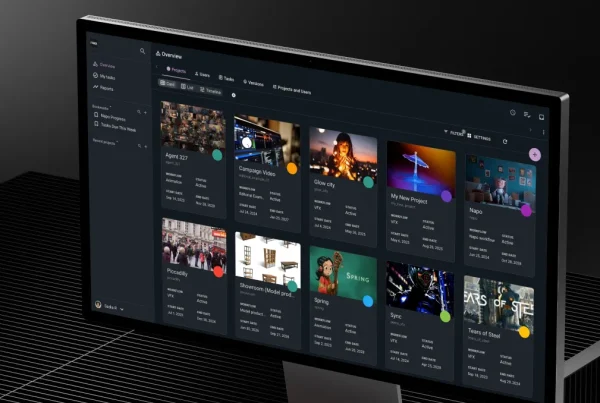
Introducing Ftrack Studio’s new top-level navigation: A smoother, smarter way to work

| Integrations, New features, News, Product, Release, Studio | No Comments
We’re thrilled to announce a major update coming to Ftrack in September 2025 — a redesigned UI navigation experience that makes it easier than ever to move through your projects,…

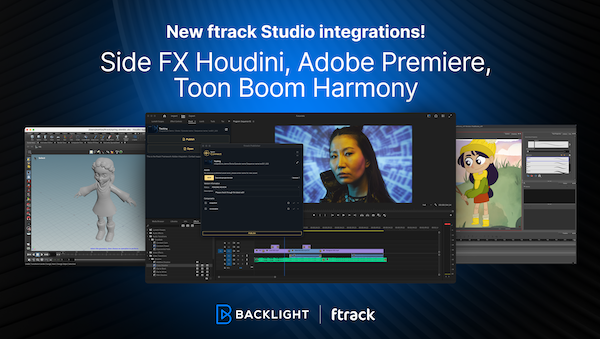
New integrations with Side FX Houdini, Adobe Premiere Pro, and Toon Boom Harmony

| Integrations, New features, News, Product, Release, Studio | No Comments
We’re excited to announce new ftrack Studio integrations with SideFX Houdini and Adobe Premiere Pro, along with a pre-release version of Toon Boom Harmony. Recently, we launched the new ftrack…

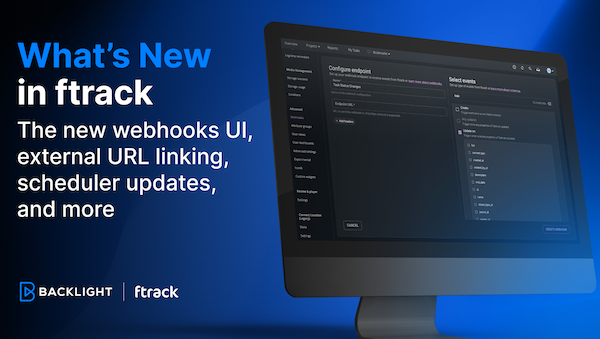
The new webhooks UI, external URL linking, and more

| Developer, New features, Product, Release, Studio | No Comments
The latest batch of features has arrived in ftrack Studio! Read on to learn about our new webhooks UI to automate your workflows, a new custom attribute titles URL, the…

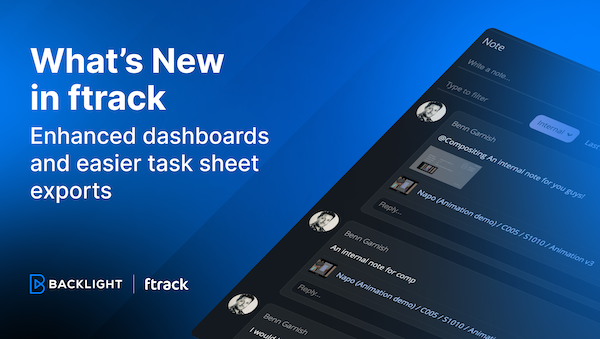
What’s new in ftrack – Enhanced Project dashboards and streamlined data export

| New features, Product, Release, Studio | No Comments
In this update, we've made some small tweaks that make a big impact. We've introduced more flexibility in project dashboard customization and simplified the data export process—all designed to make…

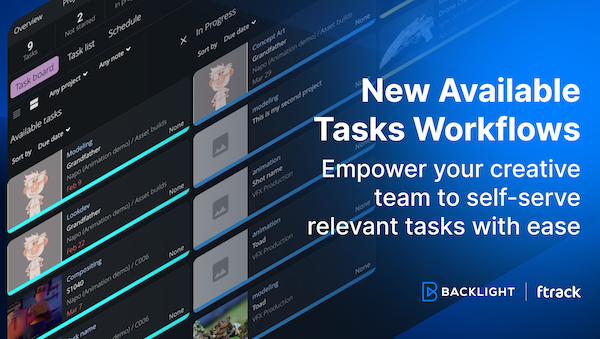
New Available Tasks workflows to empower your team to self-serve tasks

| New features, Product, Release, Studio | No Comments
We’ve made ftrack’s Available Tasks workflows more easily accessible to all ftrack users! With this update, you can make your workflow more dynamic and make it easier for creatives to…

Introducing the ftrack Connect Framework and new integrations

| Announcements, Developer, Integrations, New features, News, Product, Release, Studio | No Comments
We’re excited to announce the release of our new ftrack Connect Framework, designed for pipeline support in the creative industry. This significant upgrade brings forth a suite of enhancements tailored…

Introducing the new ftrack Developer Hub

| Announcements, API, Developer, Integrations, Productivity, Studio, Tips & tricks | No Comments
We're thrilled to announce the launch of the new ftrack Developer Hub—a comprehensive resource designed for developers, pipeline technical directors (TDs), and anyone keen on maximizing their use of ftrack…

Introducing the Create Project UI: Discover a new user-friendly UI to set up your ftrack projects

| Announcements, New features, Product, Release, Studio | No Comments
We’re excited to unveil something we hope will make your project kick-offs that little bit simpler – the new Create Project UI. We've designed the new interface to make every…

Main intro

Secondary intro

Title

Words

Fredrik Limsater

CEO, ftrack

Quote if needed

More from the blog

Introducing Ftrack Studio’s new top-level navigation: A smoother, smarter way to work

| Integrations, New features, News, Product, Release, Studio | No Comments
We’re thrilled to announce a major update coming to Ftrack in September 2025 — a redesigned UI navigation experience that makes it easier than ever to move through your projects,…

New integrations with Side FX Houdini, Adobe Premiere Pro, and Toon Boom Harmony

| Integrations, New features, News, Product, Release, Studio | No Comments
We’re excited to announce new ftrack Studio integrations with SideFX Houdini and Adobe Premiere Pro, along with a pre-release version of Toon Boom Harmony. Recently, we launched the new ftrack…

The new webhooks UI, external URL linking, and more

| Developer, New features, Product, Release, Studio | No Comments
The latest batch of features has arrived in ftrack Studio! Read on to learn about our new webhooks UI to automate your workflows, a new custom attribute titles URL, the…

What’s new in ftrack – Enhanced Project dashboards and streamlined data export

| New features, Product, Release, Studio | No Comments
In this update, we've made some small tweaks that make a big impact. We've introduced more flexibility in project dashboard customization and simplified the data export process—all designed to make…

New Available Tasks workflows to empower your team to self-serve tasks

| New features, Product, Release, Studio | No Comments
We’ve made ftrack’s Available Tasks workflows more easily accessible to all ftrack users! With this update, you can make your workflow more dynamic and make it easier for creatives to…

Introducing the ftrack Connect Framework and new integrations

| Announcements, Developer, Integrations, New features, News, Product, Release, Studio | No Comments
We’re excited to announce the release of our new ftrack Connect Framework, designed for pipeline support in the creative industry. This significant upgrade brings forth a suite of enhancements tailored…

Introducing the new ftrack Developer Hub

| Announcements, API, Developer, Integrations, Productivity, Studio, Tips & tricks | No Comments
We're thrilled to announce the launch of the new ftrack Developer Hub—a comprehensive resource designed for developers, pipeline technical directors (TDs), and anyone keen on maximizing their use of ftrack…

Introducing the Create Project UI: Discover a new user-friendly UI to set up your ftrack projects

| Announcements, New features, Product, Release, Studio | No Comments
We’re excited to unveil something we hope will make your project kick-offs that little bit simpler – the new Create Project UI. We've designed the new interface to make every…