We’ve updated ftrack Review! From today onwards, you can access a redesigned project home, add attachments to comments, set loop in and out points – and more. Your review experience is about to get even more streamlined.

We’re working hard on ftrack Review and have just added a batch of new features to complement those introduced earlier this year.
As always, we listened to your feedback (and continue to do so) and used it to update and refine the features in ftrack Review. For this update, that means:
  • A redesigned project home ?
  • The ability to attach files to your feedback ?
  • Variable brush sizes ?️
  • Loop in/out points ?

…and much more! You can check out the full list below.

As always, if you have any feedback please don’t hesitate to let us know. We consider all feedback as we build out our product roadmap and plan new features for the future.
New features in ftrack Review

A new look for your project home

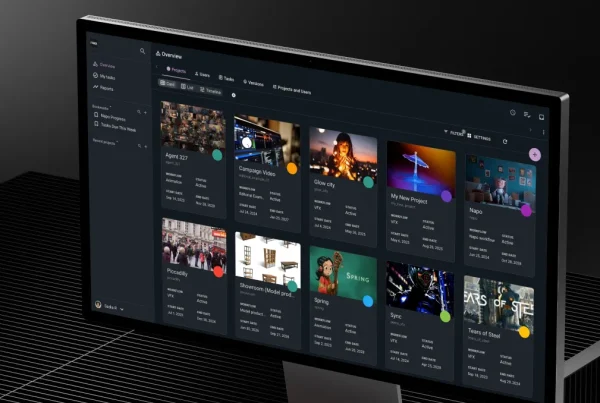
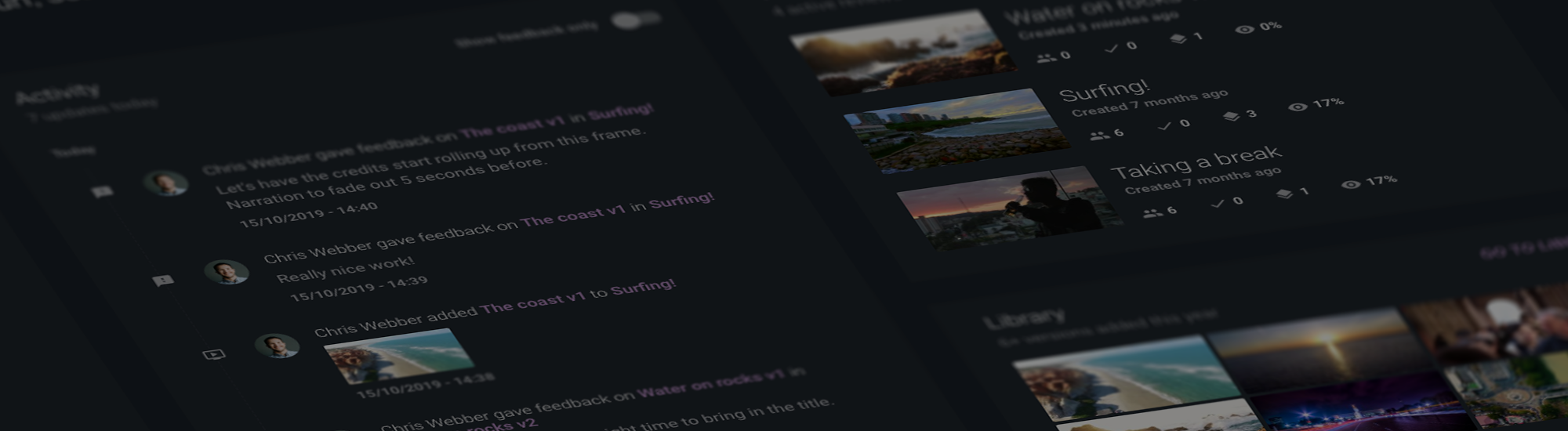
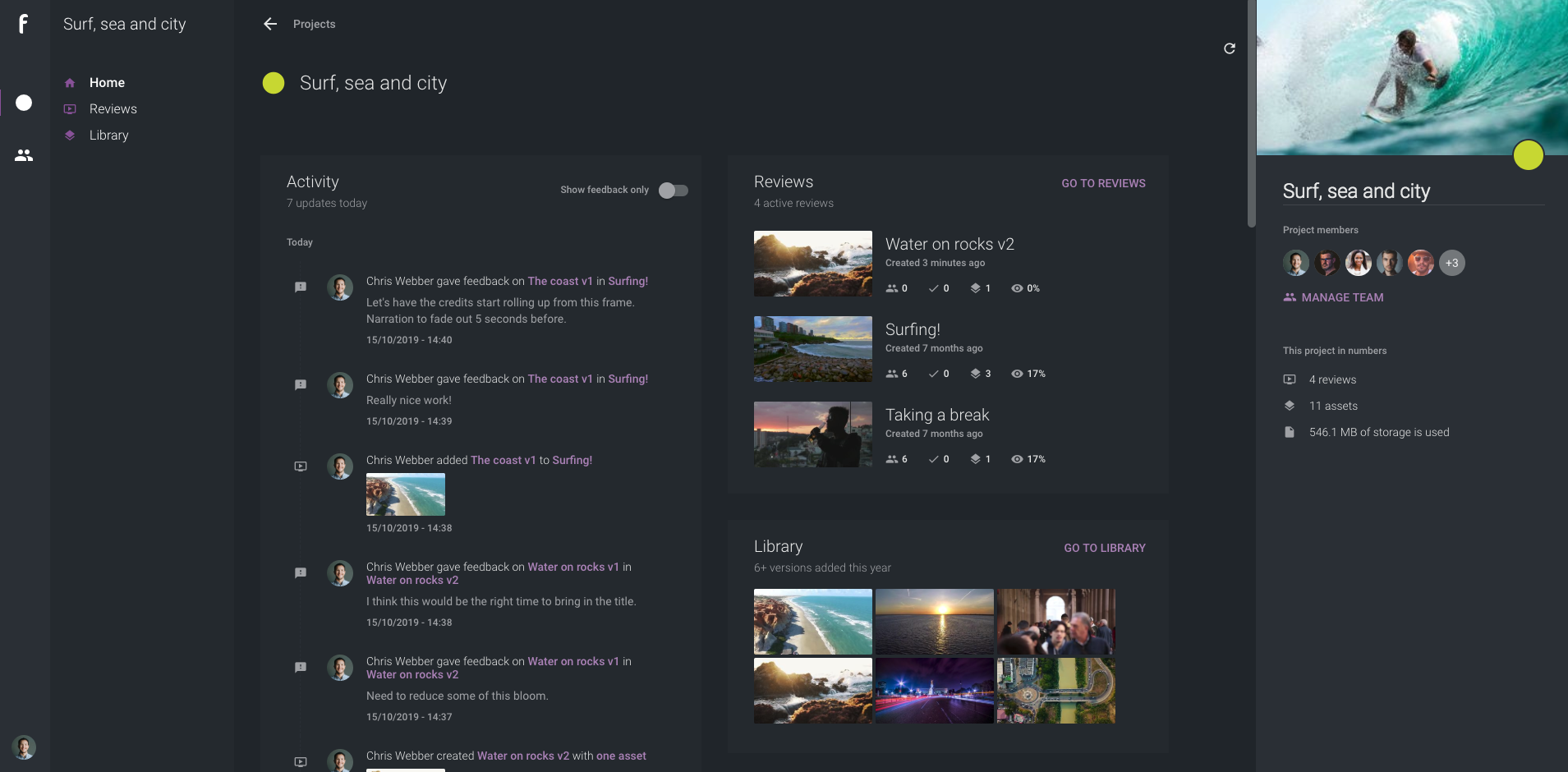
We’ve redesigned your project home to give a better overview of all ongoing activity. From one page, you can view recent comments, versions, team activity, and more. It provides more insight into what’s going on and where things are at with your project.

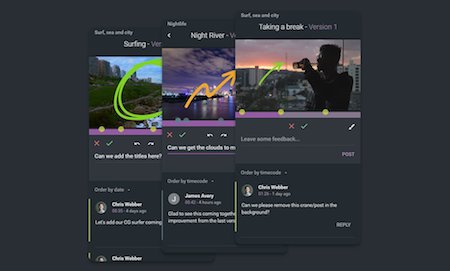
Draw on video

Attach files to clarify your feedback

Add even more clarity to your comments by adding an attachment. Your attachment could be reference material, a PDF containing client insight, or a photo of some doodles you made while thinking about the project the night before. Whatever it is, it’s easy for everyone to see.

Use different brush sizes for clarity

Choose to go in with the sledgehammer or the scalpel: you can change your brush size to create finer annotations or go large for really “broad-stroke” markups. Whatever your feedback, it’s easier to convey it with a greater range of brush sizes.

Set loop-in and -out points

Focus on specific sections of your media using in-and-out loop points. Just hit “I” and “O” to quickly set your loop points; your video will cycle through those timecode locations. This way, you can give extra focus to the section that needs work.

View keyboard shortcuts

ftrack Review has a whole bunch of keyboard shortcuts that will increase your efficiency with the platform. We’ve made it easier to access and view them right from the toolbar. Master these hotkeys, and you’ll be zooming around the UI in no time.

Spanish and Japanese localization

Creativity is universal; the languages we speak are not. We’ve localized ftrack Review for Spanish- and Japanese-speaking countries, making it easier for teams in these locations to communicate ideas about the work that they create.

Mattias Lagergren

Product Manager, ftrack

“Redesigning the ftrack Review project home was important for us; we wanted to make it as easy as possible for our customers to understand project status and dive right into their next review. ftrack Review’s new UI tools, the ability to add attachments to feedback, and the introduction of loop in/out points were also much-requested features. We’re excited to bring them to our users across the world.”
Try ftrack Review today to streamline your feedback cycles.

Start your free trial

More from the blog

Introducing Ftrack Studio’s new top-level navigation: A smoother, smarter way to work

| Integrations, New features, News, Product, Release, Studio | No Comments
We’re thrilled to announce a major update coming to Ftrack in September 2025 — a redesigned UI navigation experience that makes it easier than ever to move through your projects,…

New integrations with Side FX Houdini, Adobe Premiere Pro, and Toon Boom Harmony

| Integrations, New features, News, Product, Release, Studio | No Comments
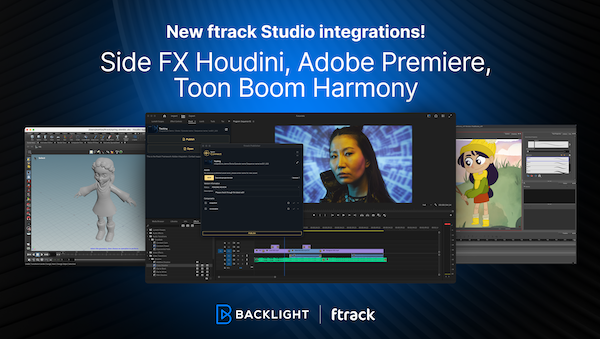
We’re excited to announce new ftrack Studio integrations with SideFX Houdini and Adobe Premiere Pro, along with a pre-release version of Toon Boom Harmony. Recently, we launched the new ftrack…

The new webhooks UI, external URL linking, and more

| Developer, New features, Product, Release, Studio | No Comments
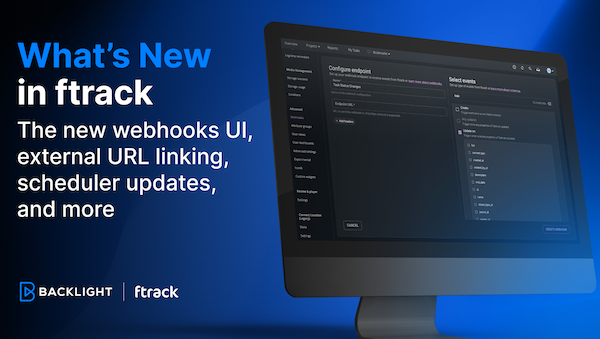
The latest batch of features has arrived in ftrack Studio! Read on to learn about our new webhooks UI to automate your workflows, a new custom attribute titles URL, the…

What’s new in ftrack – Enhanced Project dashboards and streamlined data export

| New features, Product, Release, Studio | No Comments
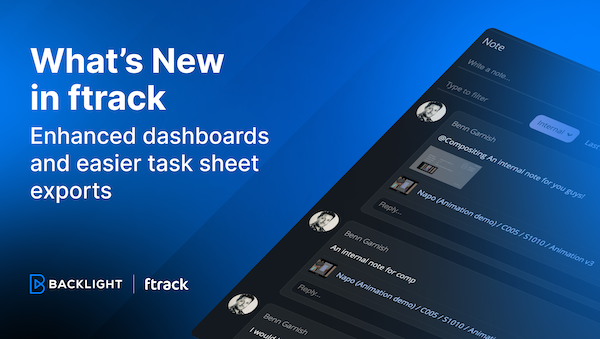
In this update, we've made some small tweaks that make a big impact. We've introduced more flexibility in project dashboard customization and simplified the data export process—all designed to make…

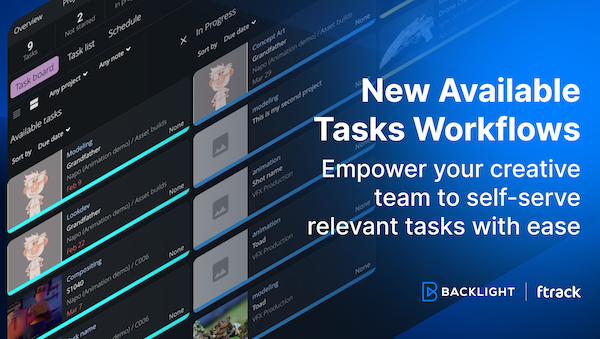
New Available Tasks workflows to empower your team to self-serve tasks

| New features, Product, Release, Studio | No Comments
We’ve made ftrack’s Available Tasks workflows more easily accessible to all ftrack users! With this update, you can make your workflow more dynamic and make it easier for creatives to…

Introducing the ftrack Connect Framework and new integrations

| Announcements, Developer, Integrations, New features, News, Product, Release, Studio | No Comments
We’re excited to announce the release of our new ftrack Connect Framework, designed for pipeline support in the creative industry. This significant upgrade brings forth a suite of enhancements tailored…

Introducing the new ftrack Developer Hub

| Announcements, API, Developer, Integrations, Productivity, Studio, Tips & tricks | No Comments
We're thrilled to announce the launch of the new ftrack Developer Hub—a comprehensive resource designed for developers, pipeline technical directors (TDs), and anyone keen on maximizing their use of ftrack…

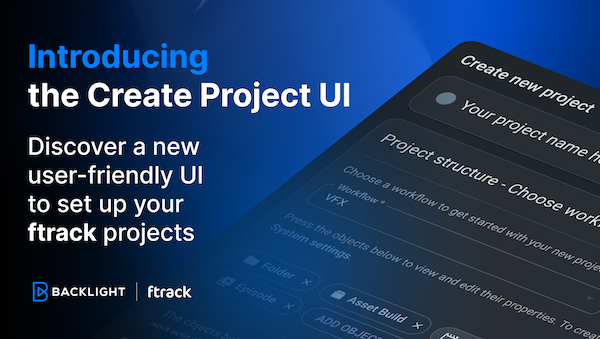
Introducing the Create Project UI: Discover a new user-friendly UI to set up your ftrack projects

| Announcements, New features, Product, Release, Studio | No Comments
We’re excited to unveil something we hope will make your project kick-offs that little bit simpler – the new Create Project UI. We've designed the new interface to make every…