


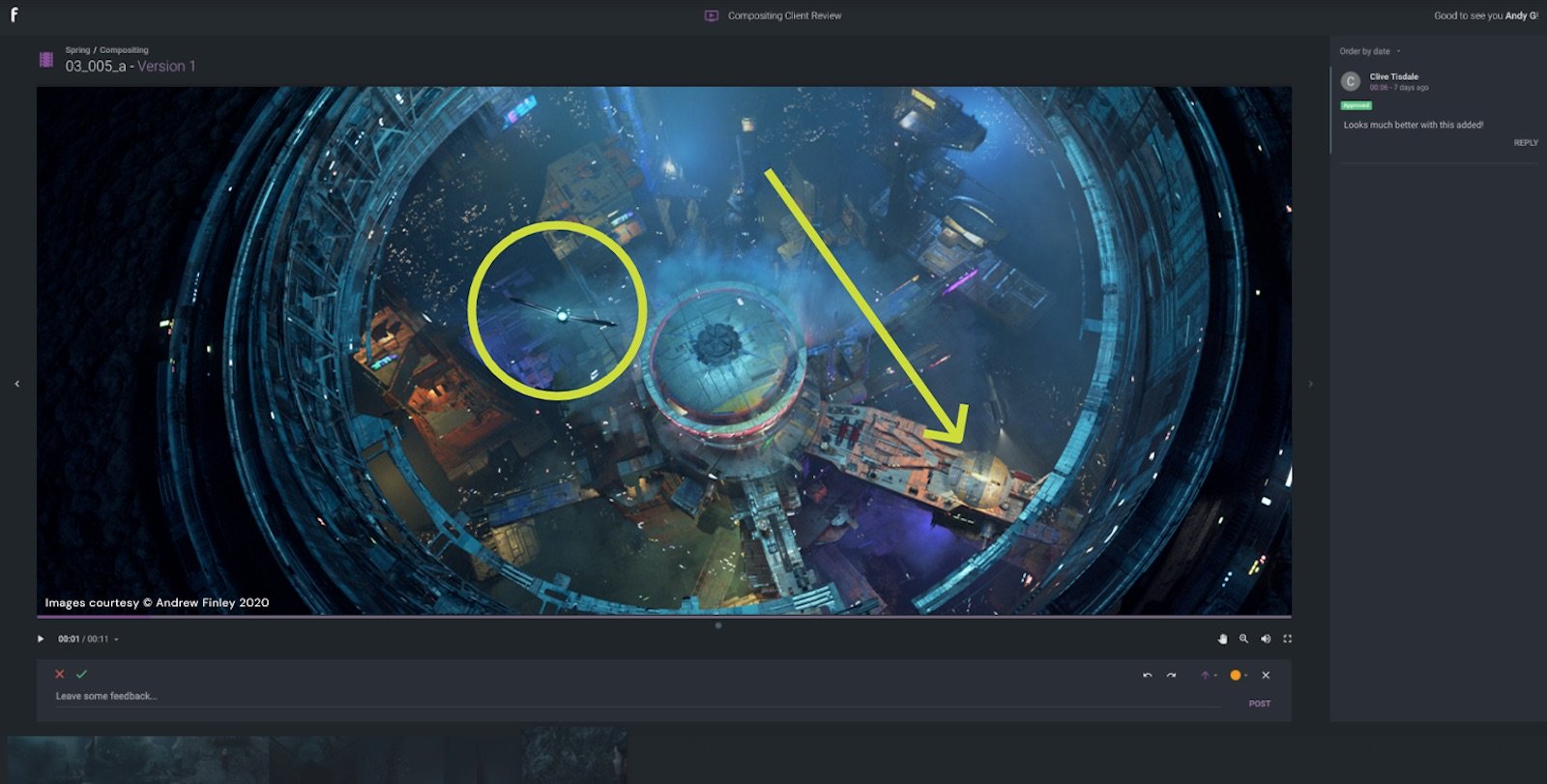
We’ve introduced drag-and-drop folders to media review in ftrack Studio, enabling you to organize your client reviews more efficiently. Take a look below to see how the feature works and how it helps to manage your reviews.
An ongoing project can have upwards of 10 or even 100 reviews. Previously in ftrack Studio, it could be hard to quickly find a review or distinguish between different categories of reviews in ftrack Studio. Now, with the introduction of drag-and-drop folders, you can organize your client reviews much more efficiently and find what you need, faster.
Follow the below process to organize your client reviews. You can also watch this process in the video below.
- Go to a project where you would like to create a folder.
- Click on the dropdown icon to open the menu.
- Select ‘Folder’ and give the folder a name.
- Drag and drop a client review into your new folder.
Do you have any questions or feedback about this new feature? Please get in touch with us and let us know!
Try ftrack Studio today
Start your free trial to explore media review in ftrack Studio.
I'd like to try Studio
More from the blog
We’re thrilled to announce a major update coming to Ftrack in September 2025 — a redesigned UI navigation experience that makes it easier than ever to move through your projects,…
We’re excited to announce new ftrack Studio integrations with SideFX Houdini and Adobe Premiere Pro, along with a pre-release version of Toon Boom Harmony. Recently, we launched the new ftrack…
The latest batch of features has arrived in ftrack Studio! Read on to learn about our new webhooks UI to automate your workflows, a new custom attribute titles URL, the…
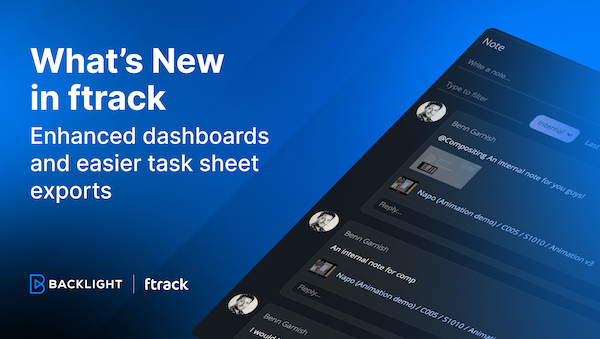
In this update, we've made some small tweaks that make a big impact. We've introduced more flexibility in project dashboard customization and simplified the data export process—all designed to make…
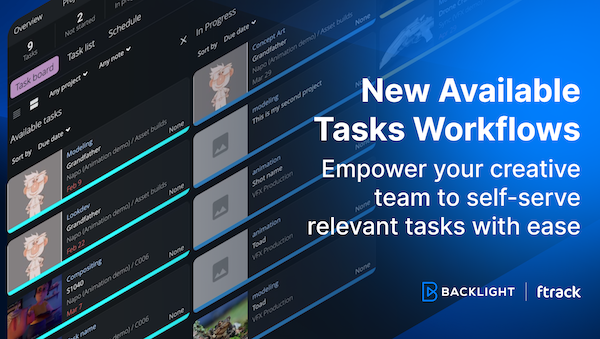
We’ve made ftrack’s Available Tasks workflows more easily accessible to all ftrack users! With this update, you can make your workflow more dynamic and make it easier for creatives to…

We’re excited to announce the release of our new ftrack Connect Framework, designed for pipeline support in the creative industry. This significant upgrade brings forth a suite of enhancements tailored…
We're thrilled to announce the launch of the new ftrack Developer Hub—a comprehensive resource designed for developers, pipeline technical directors (TDs), and anyone keen on maximizing their use of ftrack…
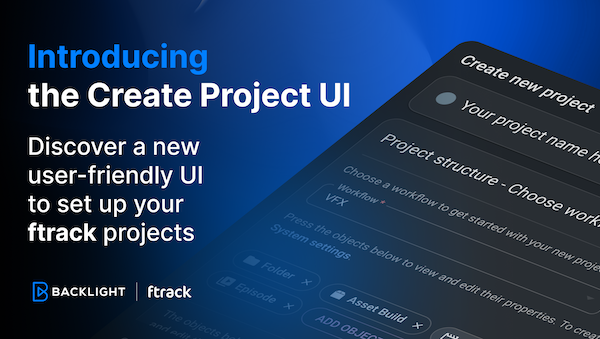
We’re excited to unveil something we hope will make your project kick-offs that little bit simpler – the new Create Project UI. We've designed the new interface to make every…
 Contact us